
4.6 KiB
React-Native Keyboard Manager



This library allows to prevent issues of keyboard sliding up and cover on React-Native iOS projects ⚛. Thanks to awesome IQKeyboardManager ❤️.
This is only for iOS, Android no needed. For Android just add android:windowSoftInputMode="adjustResize" to your activity.
Demo
| Enabled | Disabled |
|---|---|
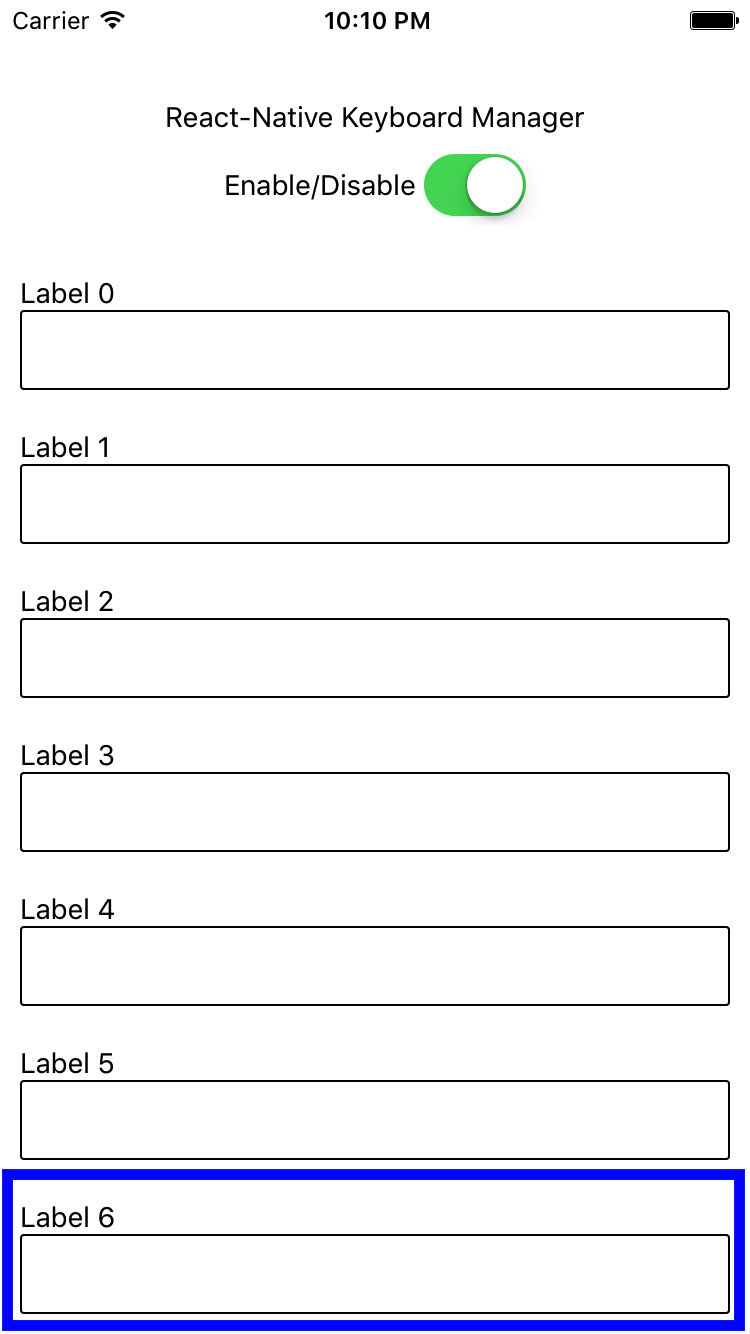 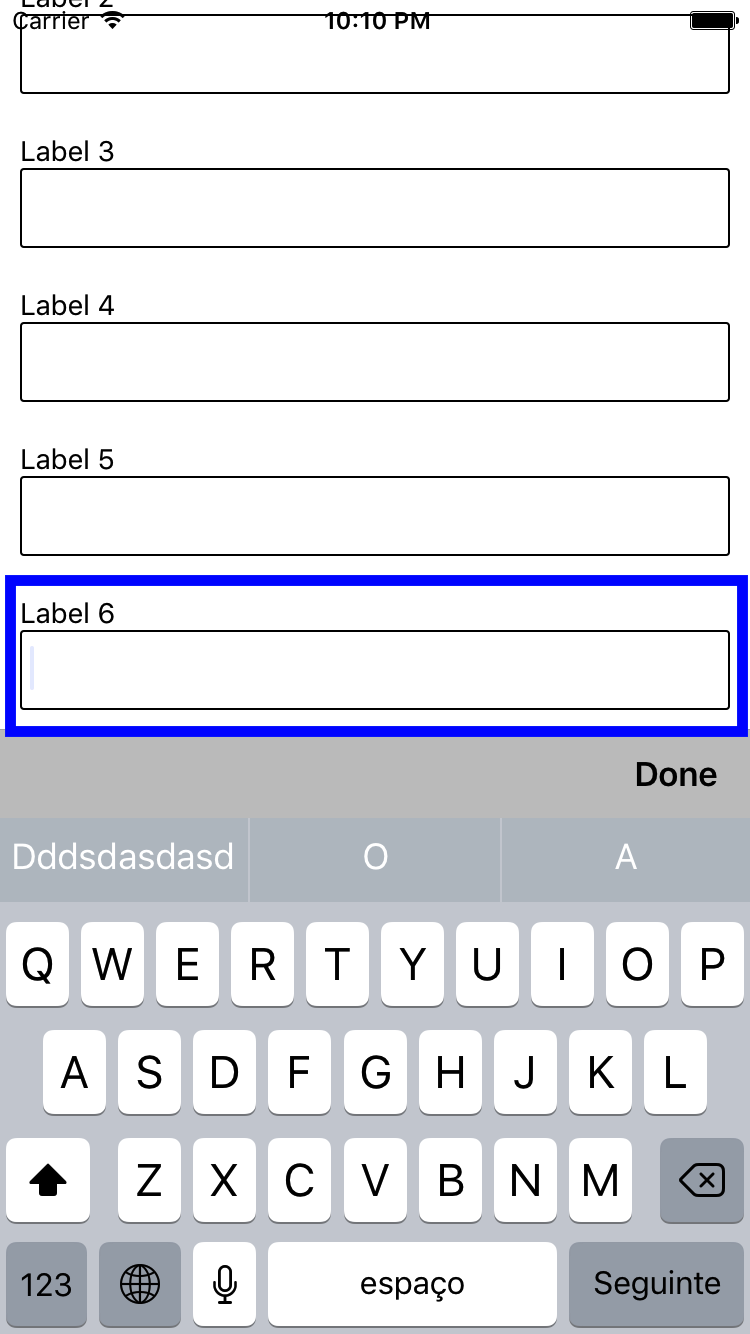 |
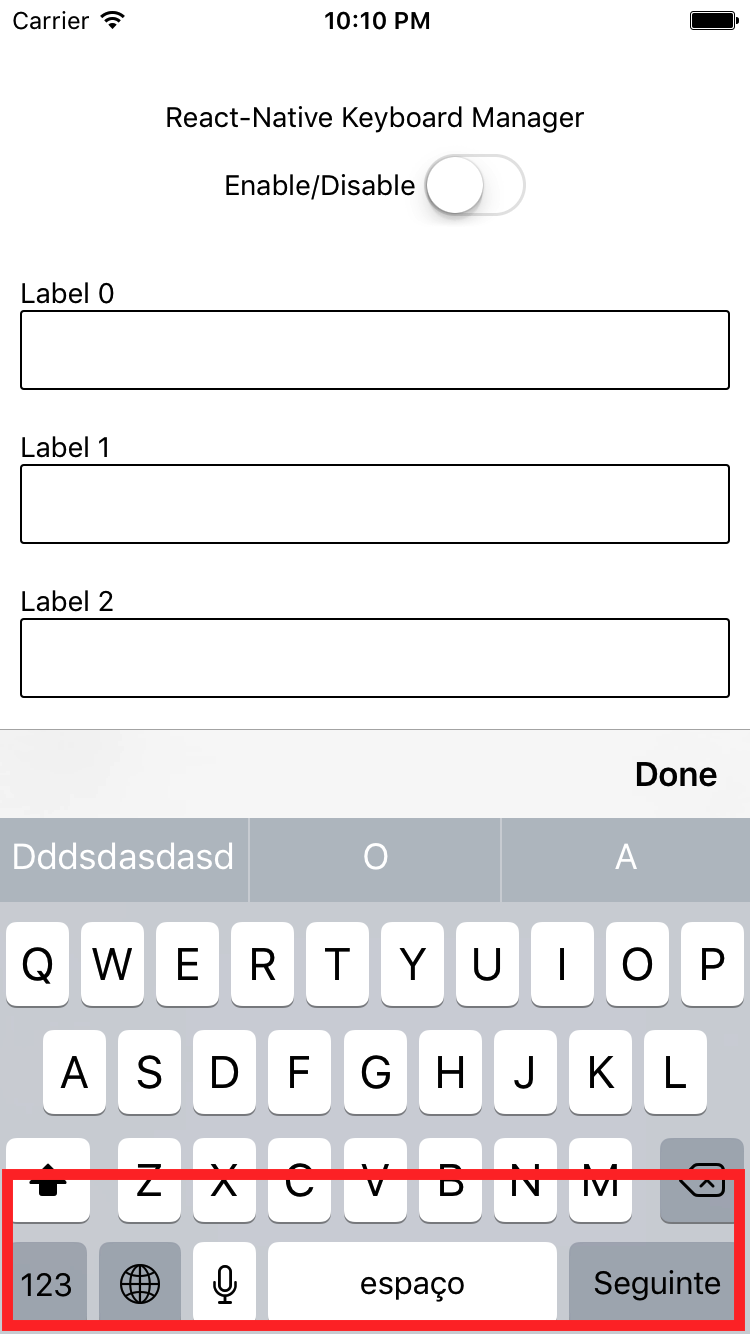 |
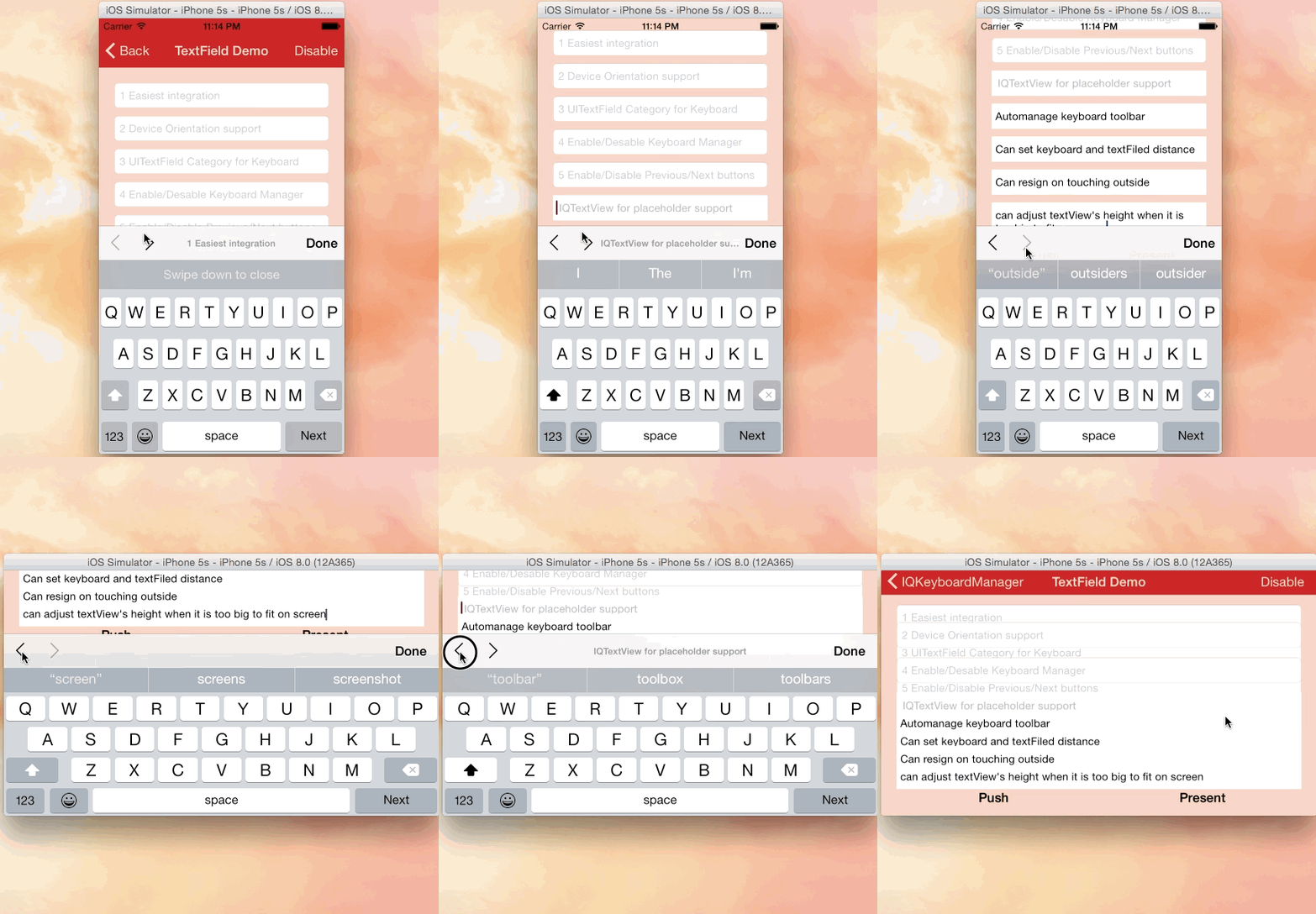 |
|---|
| Credits: IQKeyboardManager |
Requirements
- React Native >= 0.40.0
- iOS >= 8.0
Use
It does not need any library setup to work, just install and go.
But, if you need some configuration, there are some options available. (with default values)
import KeyboardManager from 'react-native-keyboard-manager'

KeyboardManager.setEnable(true);
KeyboardManager.setEnableDebugging(true);
KeyboardManager.setKeyboardDistanceFromTextField(10);
KeyboardManager.setPreventShowingBottomBlankSpace(true);
KeyboardManager.setEnableAutoToolbar(true);
KeyboardManager.setToolbarDoneBarButtonItemText("Ok");
KeyboardManager.setToolbarManageBehaviour(0);
KeyboardManager.setShouldToolbarUsesTextFieldTintColor(false);
KeyboardManager.setToolbarPreviousNextButtonEnable(false);
KeyboardManager.setShouldShowTextFieldPlaceholder(true);
KeyboardManager.setOverrideKeyboardAppearance(false);
KeyboardManager.setShouldResignOnTouchOutside(true);
KeyboardManager.resignFirstResponder();
KeyboardManager.isKeyboardShowing()
  .then((isShowing) => {
      // ...
  });
For more details, see the official IQKeyboardManager documentation.
Install
- Install dependency package
npm i -S react-native-keyboard-manager
- Link the native project
react-native link react-native-keyboard-manager
-
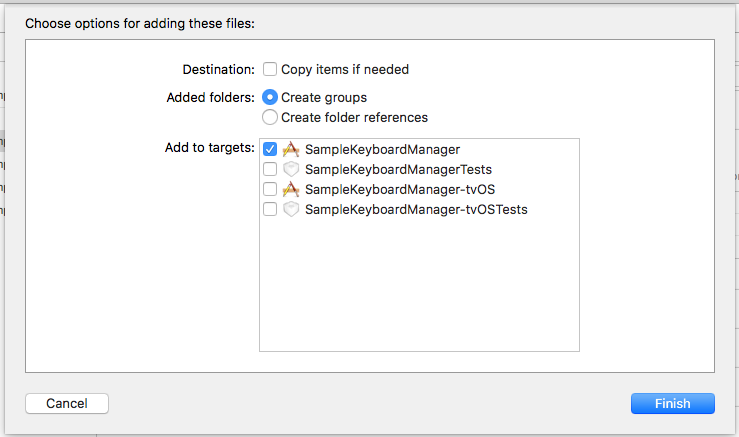
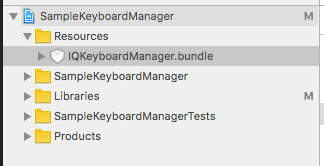
(Optional) If you want to use Next/Previous buttons, link the IQKeyboardManager resources to your Xcode project.
-
Open your Xcode project
-
Got to folder your-project/node_modules/react-native-keyboard-manager/ios/IQKeyboardManager/
-
Drag and drop the Resources folder to your project root. (If you already have Resources group, drag and drop the IQKeyboardManager.bundle)
-
In your
index.ios.jsjust callKeyboardManager.setToolbarPreviousNextButtonEnable(true);.
-
Known Issues
You can find IQKeyboardManager known issues list here.
Contribute
New features, bug fixes and improvements are welcome! For questions and suggestions use the issues.


Licence
The MIT License (MIT)

Copyright (c) 2017 Douglas Nassif Roma Junior
See the full licence file.
IQKeyboardManager License
The MIT License (MIT)

Copyright (c) 2013-16 Iftekhar Qurashi
See the full licence file.