mirror of
https://github.com/zhigang1992/probot.github.io.git
synced 2026-03-28 22:46:30 +08:00

2.6 KiB
2.6 KiB
title, description, slug, screenshots, authors, repository
| title | description | slug | screenshots | authors | repository | |||
|---|---|---|---|---|---|---|---|---|
| GPG | Enforce GPG signatures on Pull Requests | probot-gpg |
|
|
jarrodldavis/probot-gpg |
Usage
Configure this app on your organizations and repositories. Be sure to enable required status checks if you want to enforce GPG signatures on all pull requests.
How it works
Git supports signing commits with GPG keys to verify commit authorship beyond the easy-to-forge author field.
GitHub supports verifying GPG signatures on commits and has an excellent series of help articles for creating a GPG key, using it with git locally, and linking it to your GitHub account.
After installation, this app checks all commits of new (or newly updated) pull requests for valid GPG signatures according to the GitHub API. Note that for the status check to pass, every contributor of a pull request must:
- set up a GPG key on their local machine
- sign all of their commits in the pull request with that key
- link that key with their GitHub account
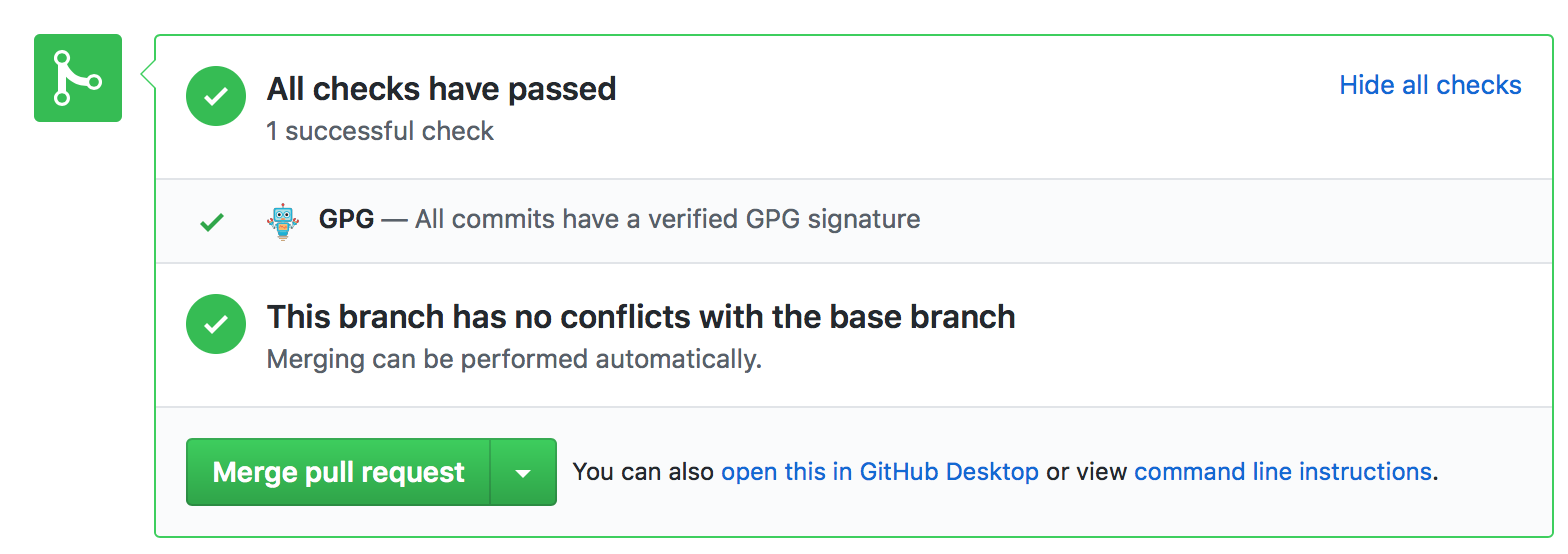
Otherwise, the app will set the status to failed.
