mirror of
https://github.com/zhigang1992/ZGParallelView.git
synced 2026-01-12 22:42:52 +08:00

1.1 KiB
1.1 KiB
ZGParallelView
####ParallelView For UITableView
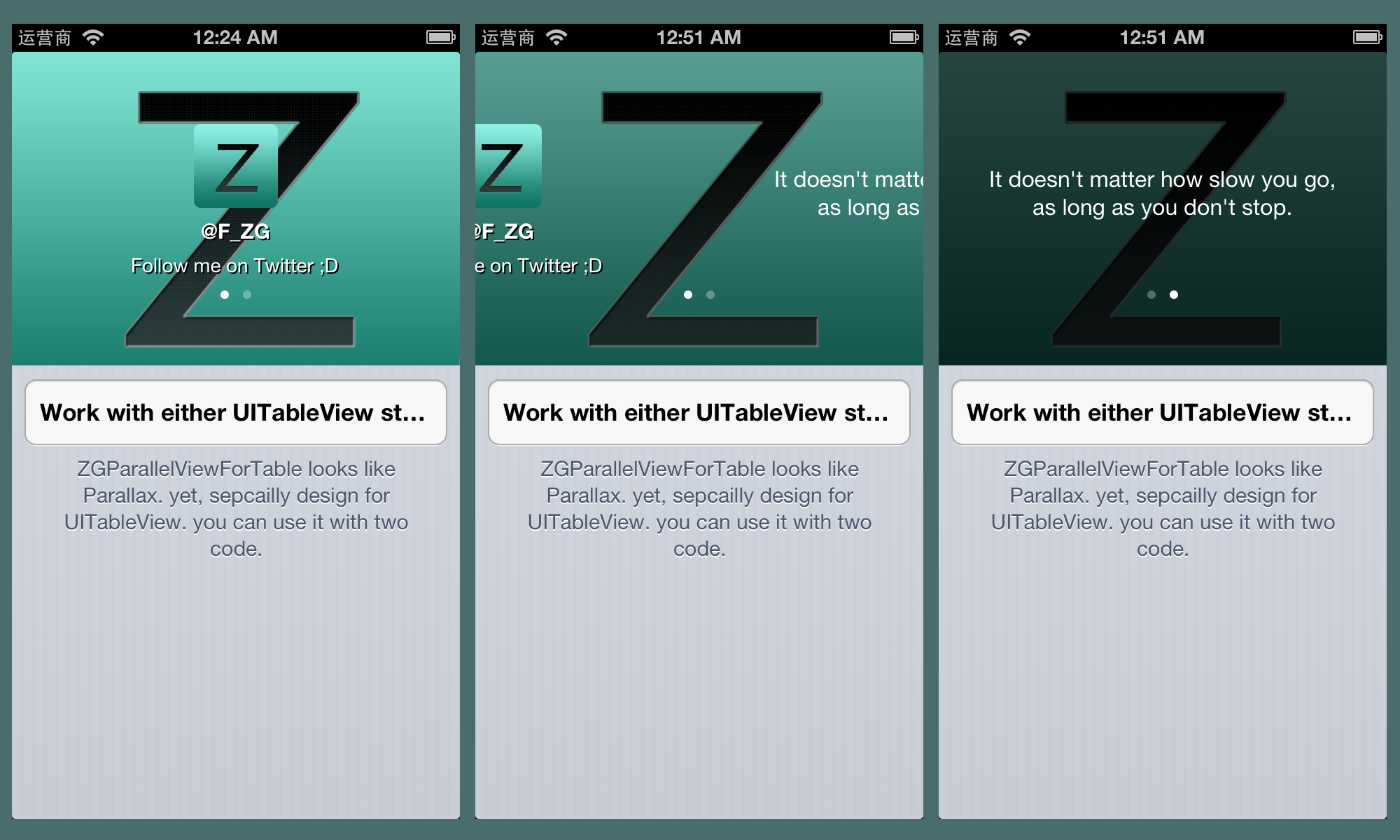
ParallelView is the easiest way to add a Parallax effect to a UITableView. It works perfectly with UITableViewController and is completely compatable with both UITableViewStyle.
Most importantly The head view will be a full featured UIView, it can handle touch event or even put a scrollView inside it as well.
####Install
-
Drag and Copy the
UITableView+ZGParallelView.handUITableView+ZGParallelView.minto your project. -
Import those two files into your VC.
-
In
ViewDidLoad. Initialate the parallelView:- (void)addParallelViewWithUIView:(UIView *)aViewToAdd withDisplayRadio:(CGFloat )displayRadio cutOffAtMax:(BOOL)cutOffAtMax; //By default, displayRadio is 0.5 //By default, cutOffAtMax is set to NO //Set cutOffAtMax to YES to stop the scrolling when it hits the top. -
Thx to awesome fengjian0106, this is all you need to do.
####Screenshot